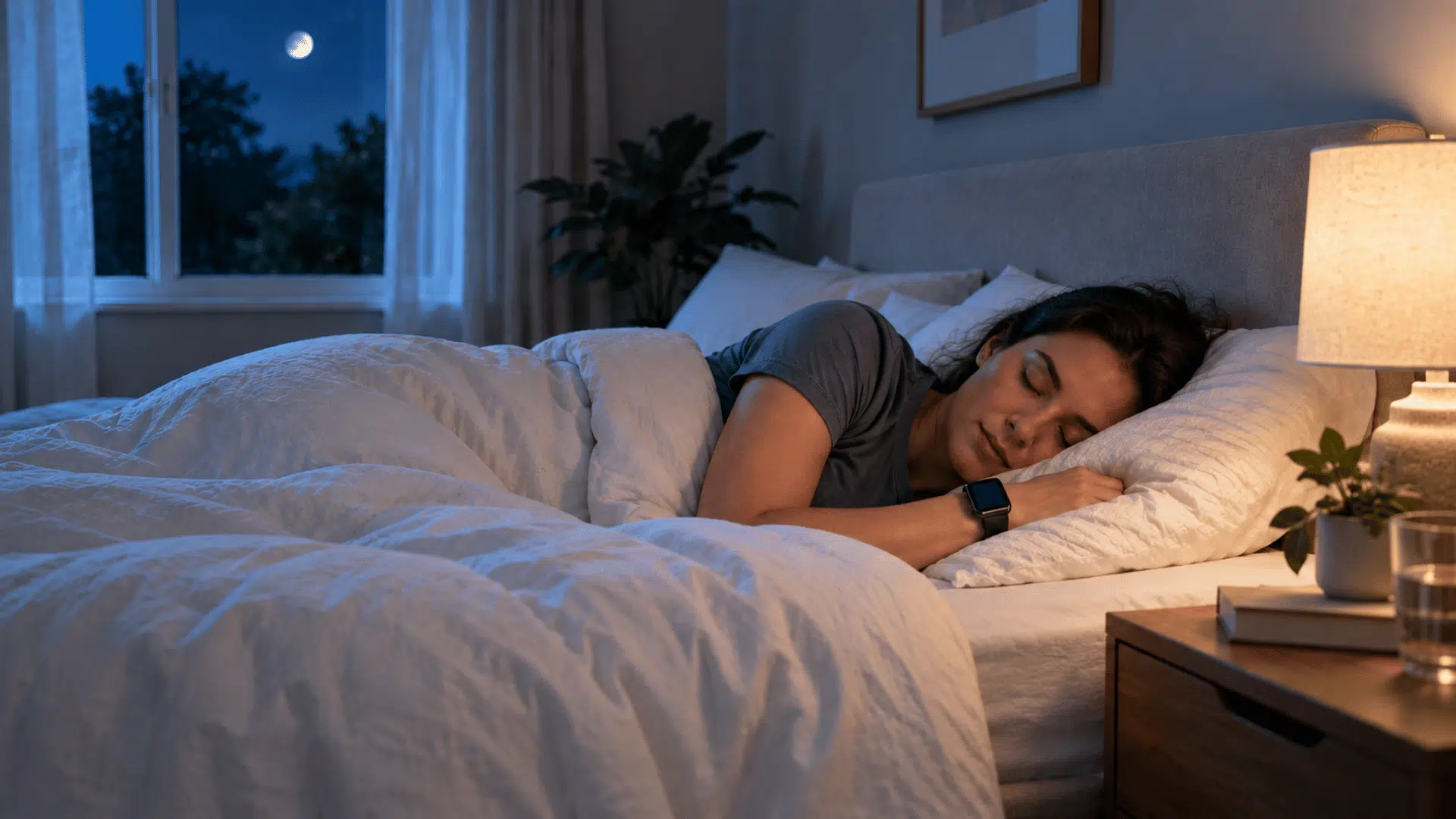


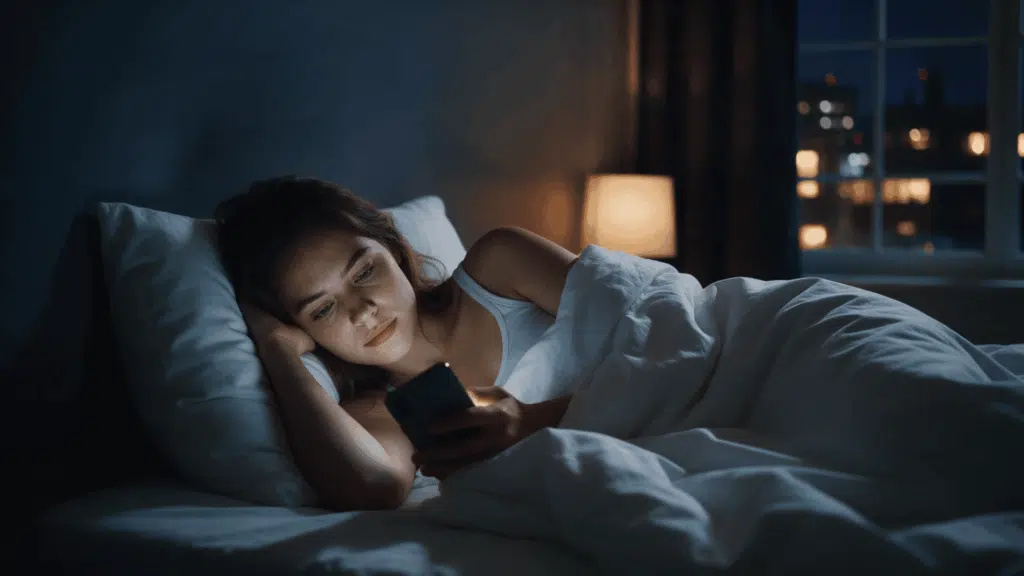
Your phone may be the last thing you see before sleep and the first thing you reach for in the morning. A quick message can turn into an hour of scrolling, watching videos, or checking social media.
This nighttime habit can affect more than your bedtime. Bright screen light, engaging content, notifications, and lost sleep time can all affect how well you rest.
Understanding the link between sleep, smartphone use, and bedtime habits can help you make small changes without giving up your phone completely.
A few simple adjustments may help you wind down and protect your nightly sleep routine.
Sleep and Smartphone Use: How Are They Connected?
Smartphone use can affect sleep in three main ways. The first is screen light. Bright light late in the evening can signal the brain that it is still daytime.
This can delay the release of melatonin, the hormone that helps the body feel sleepy. The second is what you do on the phone.
Videos, games, news, and group chats keep the mind active when it should be slowing down.
The third is lost time. A quick check of messages can easily turn into an extra hour awake. Over many nights, that missing sleep adds up. It can leave you tired, less focused, and short on patience the next day.
How Does Smartphone Use Affect Sleep?
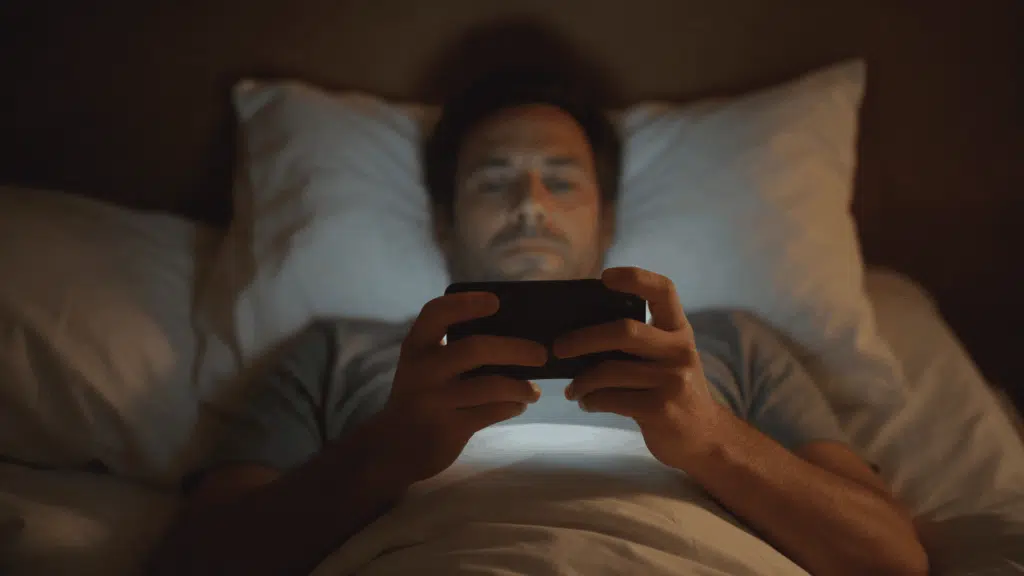
Several parts of nighttime smartphone use can work together rather than affecting sleep through one single mechanism.
1. Blue Light Can Affect the Body Clock
Smartphone screens emit visible light, including short-wavelength blue light. Evening light can shift your circadian rhythm, the internal clock that tells the body when to sleep or wake.
Lab studies show nighttime smartphone light can reduce sleepiness and suppress or delay melatonin, the hormone that signals sleep.
However, screen brightness, exposure length, viewing distance, and individual sensitivity all change how strong this effect is.
2. Stimulating Content Keeps the Brain Alert
The screen itself is only part of the problem. What someone does on a smartphone can also matter.
Watching fast videos, reading upsetting news, answering work emails, gaming or following an active conversation can increase mental engagement near bedtime.
Instead of gradually settling down, the brain remains focused on new information. This effect helps explain why simply changing the screen color may not solve every sleep problem linked with evening phone use.
3. Scrolling Can Quietly Delay Bedtime
A major effect of smartphone use is surprisingly simple. Time spent on a phone can replace time that could have been spent sleeping.
Someone may get into bed at 10:30 p.m. intending to sleep at 11:00 p.m. A few videos and messages can easily move that bedtime to midnight without a deliberate decision to stay awake.
Repeated regularly, this habit can reduce total nightly sleep even when falling asleep afterward is easy.
4. Notifications May Interrupt Sleep After Bedtime
Smartphone effects do not necessarily end when a person closes their eyes. Calls, vibrations, screen flashes, alerts, and message sounds can create disturbances during the night.
Some people also wake naturally and immediately check their phones. That brief check can turn into several minutes of scrolling and heightened alertness. Keeping the device within easy reach makes this behavior easier.
Placing it farther from the bed creates a simple physical barrier between waking briefly and starting another screen session.
How Long Before Bed Should You Stop Using Your Phone?
Stopping phone use at least 30 minutes before bed is a practical starting point for better sleep. The CDC recommends turning off electronic devices at least 30 minutes before bedtime as part of healthy sleep habits.
For some people, a screen-free hour feels more relaxing, which matches the 10-3-2-1-0 sleep rule. It also creates more time for quiet activities that help the body prepare for sleep.
This gives the mind time to settle and reduces exposure to stimulating content, messages, and notifications. The best routine is one you can follow consistently.
Start with 30 minutes, then increase the time if late-night phone use still delays sleep or makes it harder to wind down.
How to Reduce Smartphone Effects on Sleep
Simple changes to nighttime phone habits can reduce stimulation and make it easier to maintain a consistent sleep routine.
Habit | What to Do |
|---|---|
Move the Phone Away | Charge it across the room or outside the bedroom |
Silence Notifications | Use Do Not Disturb to block nonessential nighttime alerts |
Lower Screen Brightness | Reduce brightness when nighttime phone use is necessary |
Replace Scrolling | Read, stretch, or follow another quiet bedtime activity |
Limit Overnight Checking | Avoid reaching for the phone after brief nighttime awakenings |
Why Is It Hard to Stop Scrolling at Night?
Phones are built to hold your attention. Social media feeds refresh with new posts, and videos often start playing automatically.
Infinite scroll removes natural stopping points, so there is no clear moment to put the phone down. At night, scrolling can also turn into an automatic habit.
You plan to check one app for five minutes, then look up an hour later. Some people stay up late on purpose to claim personal time after a busy day. This habit is often called “revenge bedtime procrastination.”
Setting a fixed phone cutoff time helps break the pattern. Charging the phone across the room makes it harder to grab again.
Does Night Mode Really Help With Sleep?
Night mode gives your screen a warmer, more yellow tone. This cuts some of the blue light that can delay sleepiness at night.
However, research shows it may not help as much as people expect. A Brigham Young University study of 167 young adults compared three groups.
Some used Night Shift, some used their phones normally, and some skipped phones before bed. Overall, sleep did not differ between the groups.
The results suggest light is only part of the problem. Texting, scrolling, and posting still keep the brain alert. Night mode is fine when you must use your phone late. Pair it with lower brightness and shorter screen time.
When Should Sleep Problems Be Discussed With a Doctor?
Sleep problems should be discussed with a doctor when they continue regularly, affect daytime life or appear with other concerning symptoms.
- Persistent Insomnia: Trouble falling asleep or staying asleep continues for several weeks and does not improve with better sleep habits.
- Frequent Night Waking: Waking several times during the night makes it difficult to feel rested or get enough sleep.
- Daytime Sleepiness: Tiredness begins affecting concentration, work, school, driving, or other normal daily activities.
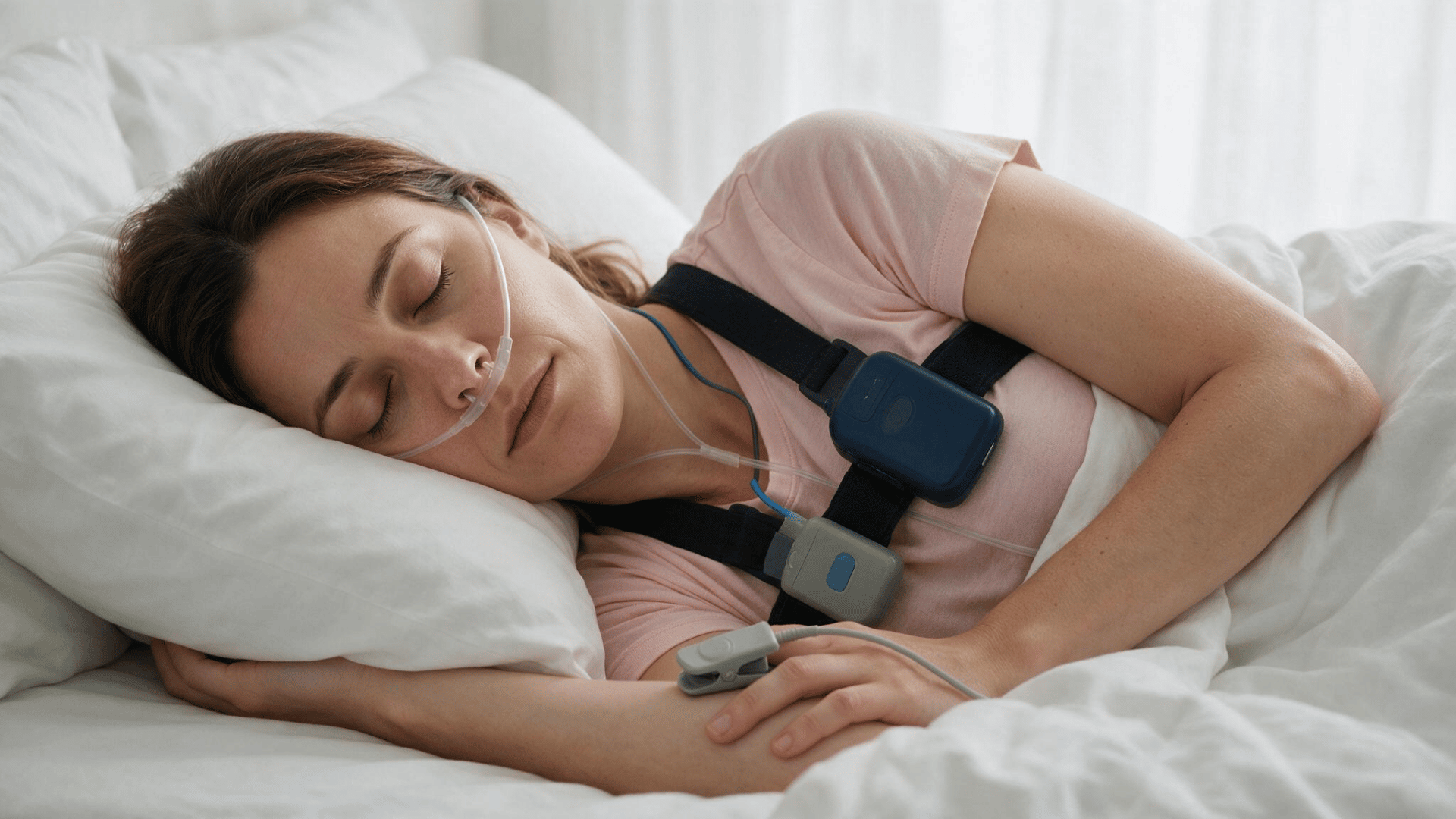
- Breathing Problems: Loud snoring, choking, gasping, or pauses in breathing happen during sleep and disturb rest.
- Mood or Concentration Changes: Poor sleep starts affecting memory, focus, mood, productivity, or everyday decision-making.
- Medication-Related Changes: Sleep problems begin soon after starting a new medicine or changing the dose of an existing one.
The Ending Note
Your phone does not have to disappear from your evening routine, but how you use it can make a difference. Late-night scrolling, bright screens, notifications, and stimulating content may make it harder to settle down or get enough sleep.
Simple steps, such as setting a phone cutoff, lowering brightness, silencing alerts, and charging your phone away from the bed, can help create a calmer bedtime routine.
Night mode may reduce some light exposure, but it should not replace healthy sleep habits. If smartphone habits are affecting your sleep, start with one small change tonight.
What phone habit has helped you sleep better? Share it in the comments.
Frequently Asked Questions
Can Phone Use Cause Vivid Dreams?
No strong evidence shows phones directly change dreams. Stimulating content before bed may still shape the thoughts you carry into sleep.
Does Smartphone Use Affect Morning Alertness?
Late smartphone use may shorten sleep time, which can leave a person feeling less alert, focused, or refreshed the next morning.
Should Children Have Phones in Their Bedrooms?
Keeping phones outside children’s bedrooms may reduce nighttime checking and distractions, support earlier bedtimes, and help maintain a more consistent sleep routine.